A private server for every customer.
Each customer has its own server in a data centre in Italy, with its own archive and its own apps. One customer's data is never on the same server as another's, and it remains the customer's property.
 TelematicsCore
Italian software for Teltonika trackers
TelematicsCore receives the data from the Teltonika GPS trackers fitted to your vehicles or worn by your people and delivers it, in a clear form, to the software you already use or to software we build for you.
How it works
The tracker sends a sequence of numbers in Teltonika's proprietary format. TelematicsCore breaks it down, checks that it is intact, saves it and confirms receipt to the tracker. Alongside you can see the same process on a real message.
Made in Italy
TelematicsCore is developed in Rome by DF Solutions srl, an Italian company that since 2011 has managed networks, servers and telecommunication services for about 800 businesses. We supply Teltonika devices through an authorised reseller.
The software is written and maintained by our team in Rome, which also handles installation and support.
Each customer has a dedicated server in a datacentre in Italy, and the data is not transferred outside the European Union.
Contract, invoicing and support are with an Italian company, in the same time zone as your working day.
What it is, in plain words
TelematicsCorecollects, checks, translates
TelematicsCore does three jobs:
How it works
The trackers send their data to an address that belongs to you, and TelematicsCore saves it before any processing takes place.
The codes sent by the tracker are converted into speed, position, battery level and impacts, using only readings verified on the real device.
The information reaches the software you already use, or an app we develop for you, in real time. It keeps the same format if you change tracker model.
People
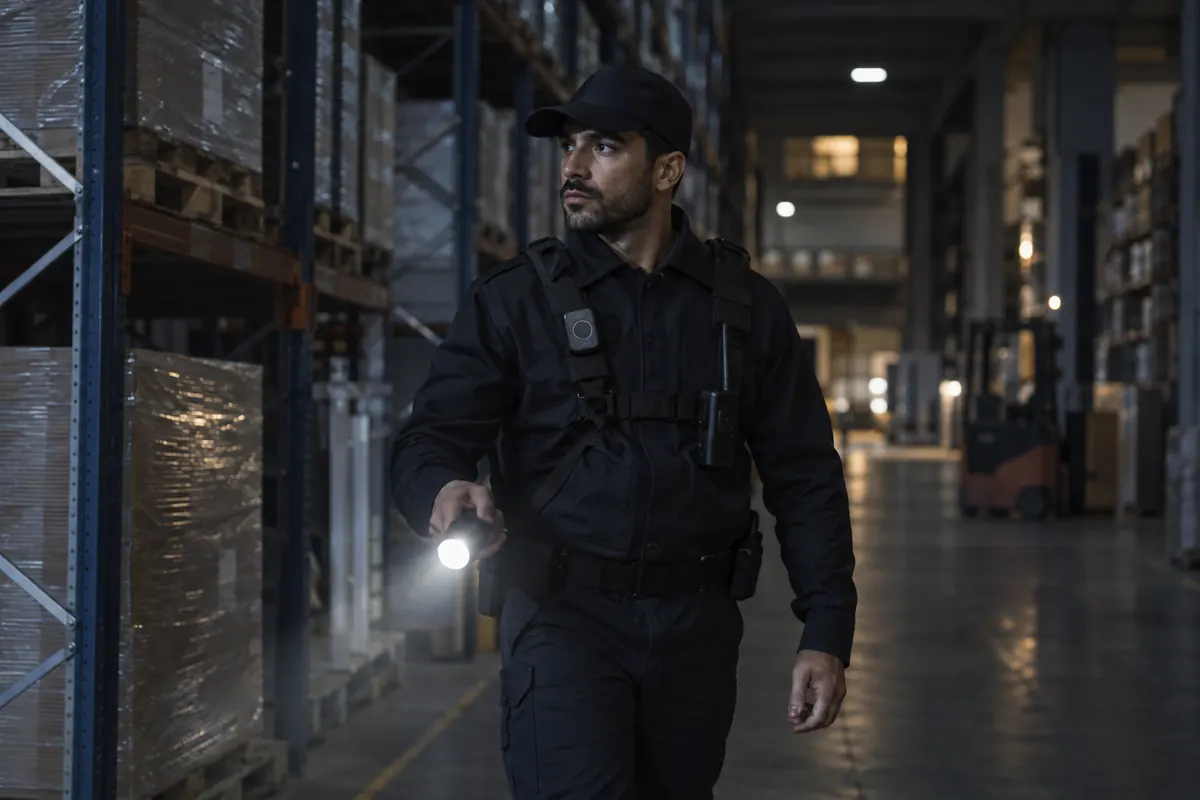
For technicians on site visits, warehouse staff or night security personnel, a small wearable tracker shows where they are and sends an immediate alert if something goes wrong.
The position in real time, on the map you already use.
When the button is pressed, the request for help is sent together with the position.
The tracker detects a fall and sends the alarm automatically.
If the person stays still for longer than the time you have set, an alert is sent.
The available functions depend on the Teltonika tracker model and are enabled only after we have certified that model in the field.
Tracking employees requires the employer to meet certain obligations: an information notice, a data protection impact assessment and the procedures set out in Article 4 of the Italian Workers' Statute (Statuto dei lavoratori).
The problem
It sits in someone else's cloud, read by software that does not know every code your trackers send: the codes it does not recognise are discarded. If you change supplier, the history stays with them.
With TelematicsCore every customer has a dedicated server in a data centre in Italy, so the data is held in an archive that belongs only to you. You can download all of it at any time, including the original messages from the trackers.
Data that the software does not recognise is lost.
Every message is saved, including those you do not need today.
A tracker update can change what the numbers mean without anyone noticing.
Only verified numbers for your tracker model.
The history belongs to the supplier.
The history is yours and can be downloaded in full whenever you want.
Every connection to your management system has to be developed from scratch.
One single connection for all tracker models.
TelematicsCore sits underneath the apps: it receives and prepares the data, and every app you need, now or later, starts from there.
Who it is for
You can add vehicle position and status to your product without having to learn the tracker protocols.
02You know where your vehicles and people are, and the history stays yours even if you change supplier.
03For rental, electric mobility or security services you can start from a base that is already in place.
Tailor-made
We have put together examples for logistics, rental, electric mobility, people safety, assets and work machines, each with the tracker to start from.
Half an hour on the phone: you tell us what you have and what you need, and we explain how we would do it.
Let's talkHow it works
Both the trackers and your apps communicate only with TelematicsCore, so you can add, change or remove an app without touching the installed trackers.
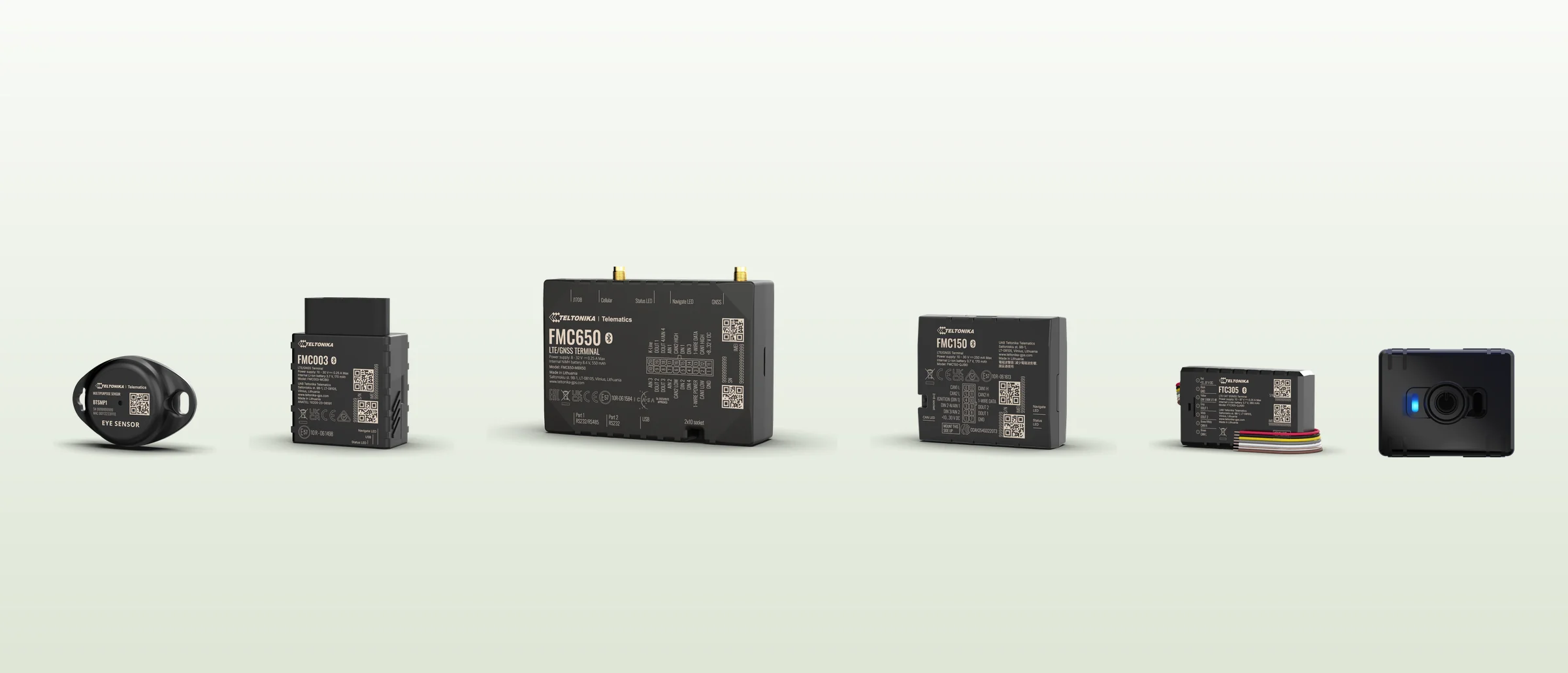
Fitted to vehicles or worn by people, they send position, status and alarms to your address.
You can change settings remotely, ask for the status of the device or switch on an output.
It can ask where a vehicle is, what it did yesterday and which alarms it raised.
When something happens, your software receives the alert immediately.
It can answer questions such as "which vans have been stationary for three days?".
Each customer has its own server in a data centre in Italy, with its own archive and its own apps. One customer's data is never on the same server as another's, and it remains the customer's property.
If you move a tracker from one van to another, or from one technician to another, each piece of data stays linked to the vehicle or the person it refers to.
The system accepts only the trackers in the register and regularly checks that each one is the model declared. If something does not match, it reports it.
When there is no connection, the trackers keep the data in memory and send it as soon as they can. Messages received twice are counted only once.
What is available today
For your software
Your software receives information with clear names and always in the same format, without having to know the tracker protocols.
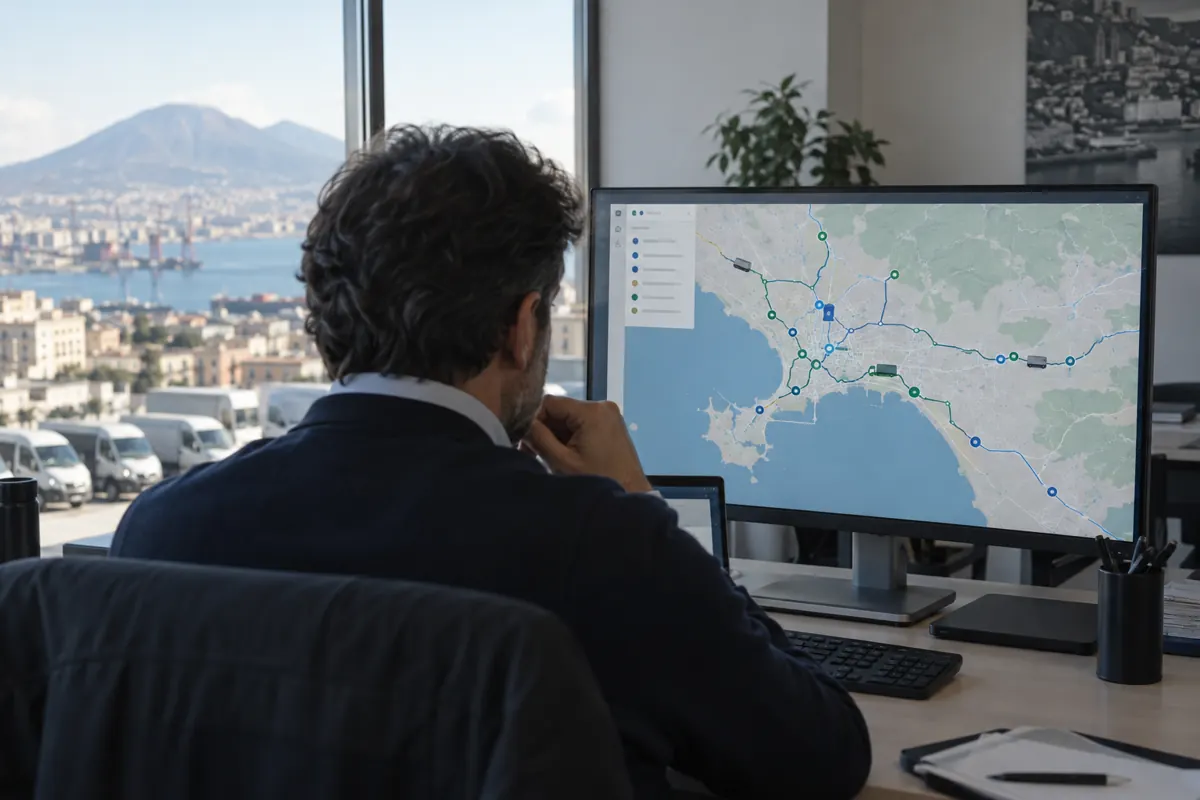
Where the vehicles are, what they have done, how far they have travelled, which alarms they have raised.
An impact, a tow, a vehicle leaving a zone: you know at the same moment it happens.
Maps and dashboards that update on their own.
Each command has a status (queued, sent, completed) and records who issued it.
Your assistant queries the fleet, with the same permissions as the person using it.
All the data can be downloaded in full whenever you want.
This is what your software receives
The tracker sends numbers such as 24: 37. Your software reads speed: 37 km/h.
Even if you change tracker model, your software keeps receiving the same names.
// an impact, just happened
{
  "event": "impact",
  "vehicle": { "plate": "GF 123 XY", "driver": "M. Rossi" },
  "when": "2026-11-03 09:41:12",
  "where": { "lat": 41.95801, "lon": 12.52480 },
  "speed_kmh": 37,
  "force_g": 3.1,
  "recording": "/impacts/8812"
}An example · company vehicles and key cabinet
The cabinet records who took which keys and at what time, and passes this to TelematicsCore.
Kilometres and events are linked to the vehicle and to the person driving it.
In the event of harsh braking, speeding or leaving a zone, you receive an alert at once.
The trip is closed and the report, with the driving assessment, is already available.
The trackers can send their data to two addresses at the same time. TelematicsCore can therefore run in parallel with your current system, so you can compare the results before deciding, with no work on the vehicles.
TelematicsCore runs on a private server reserved for your company, in a data centre in Italy, and we manage it. The address used by the trackers remains yours, so moving it to another server takes a single change.
Our guarantee
Two tracker models can use the same code with different meanings, and a firmware update can change it. For this reason we test every model in the field before using its data.
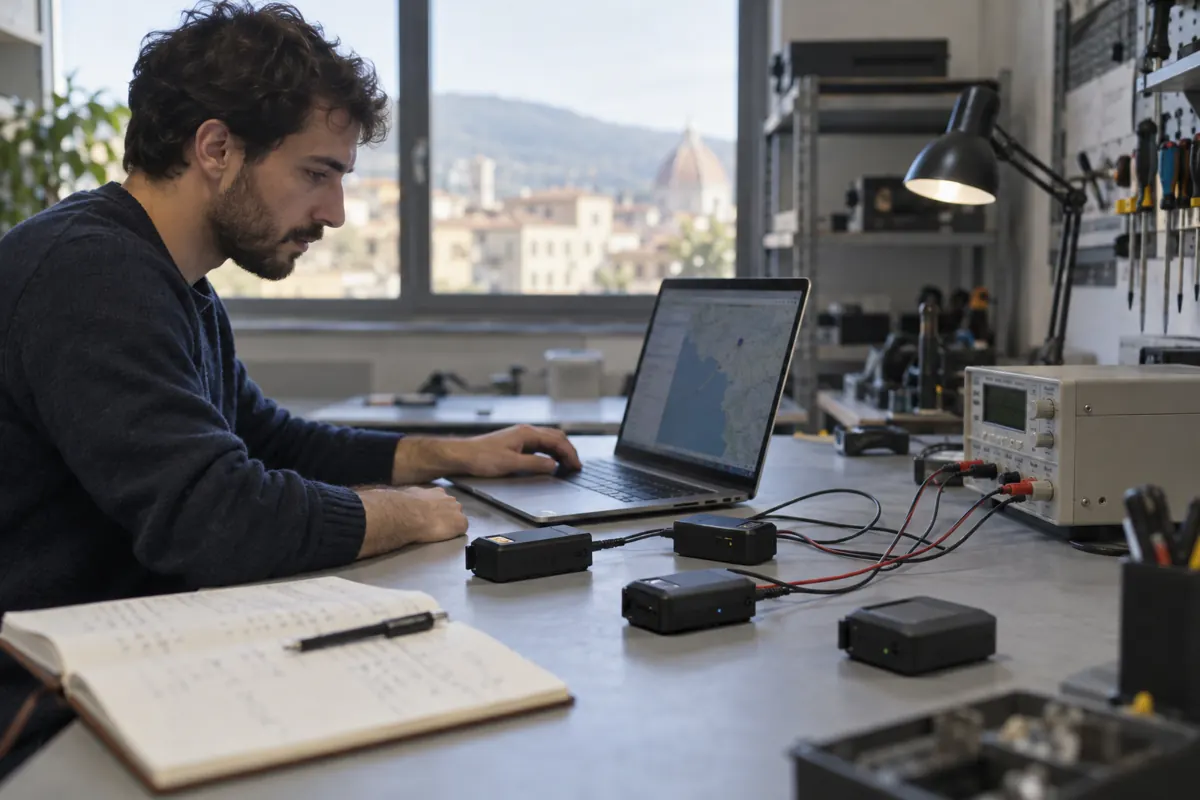
A model is used only after it has passed all the tests, which we repeat for every new firmware version.
We start from three questions.
The tracker, its sensors and its connections to the vehicle determine which data is available.
For example who was driving, where and how, what happened and what needs to be blocked.
Which alarms it generates by itself, with which thresholds, and which outputs it can control.
How we work with you
We gather information about your vehicles, trackers and requirements.
We check your tracker model in the field, one alarm at a time.
We start TelematicsCore in parallel with your current system, without interrupting the service.
We integrate your software using real data, until the results match.
We take care of monitoring, backups and the certification of new models.
Let's talk
You tell us what you want to monitor and what you need, and we tell you how to proceed and how long it would take.
Documentation
This page describes how TelematicsCore receives data from the trackers, how it stores the data and how your software reads it. The parts marked "coming soon" have been designed but are not yet available.
Version 0.1 · 3 November 2026 · aligned with core 881e622 · version history
TelematicsCore is a server that receives the messages from Teltonika trackers, saves them, translates them and makes them available to your software through a REST API. Each customer has a dedicated server in a data centre in Italy.
The flow is always the same: the tracker sends its data, TelematicsCore saves it and confirms receipt, then translates it with the dictionary for the tracker model and exposes it through the API. Commands to the trackers follow the opposite path, through a queue.
The tracker is configured with the Teltonika Configurator (or remotely with FOTA WEB) by setting the following parameters:
| Setting | Value |
|---|---|
| Primary server: domain and port | The address of your TelematicsCore server, provided at activation |
| Transport protocol | TCP (recommended) or UDP |
| Data protocol | Codec 8 Extended |
| Record confirmation | AVL confirmation: the tracker deletes a record only after the server has confirmed it |
| Permanent link | On if you want to send commands with an immediate reply; otherwise commands go out at the next connection |
The tracker identifies itself only by its IMEI. Before the tracker is installed, its IMEI must be registered in TelematicsCore (see Devices), otherwise the connection is refused.
Status of a device in the register: attivo and quarantena are accepted; sospeso, dismesso and rifiutato are rejected.
The API is REST and exchanges JSON. The base address is that of your server, provided at activation; in the examples it is shown as https://<server>.
Each application will receive a key with limited permissions (for example read-only access to data, sending commands, managing devices) and a list of the commands it is allowed to send. Until then the API can be reached only from the server's internal network.
Dates use the ISO 8601 format; if the time zone is missing, UTC is assumed. Lists accept the limit parameter, with a maximum stated for each call, and are sorted from the most recent.
{ "error": "dispositivo non trovato" }| Code | Meaning |
|---|---|
| 404 | The resource does not exist |
| 409 | The operation is not possible in the current state (for example, cancelling a command that has already been sent) |
| 422 | Invalid parameters |
| 503 | Archive temporarily unreachable |
GET/health returns the status of the service.
| Call | Description |
|---|---|
GET/devices | List of devices. Filters: status, online, q (start of the IMEI), limit (100, max 1000). |
POST/devices | Registers a device: imei (15 digits), model_id, firmware_expected, status, notes. |
GET/devices/{imei} | Device record with the last valid position, the latest metrics and the current connection. |
PATCH/devices/{imei} | Changes status, notes, model or expected firmware. |
POST /devices
{ "imei": "352093086403655", "model_id": "FTC305", "firmware_expected": "3.7.3", "status": "attivo" }| Call | Description |
|---|---|
GET/devices/{imei}/records | Records received. Parameters: from, to, order (desc or asc), limit (500, max 5000). |
GET/devices/{imei}/events | Events of the device, with from, to, limit (200, max 2000). |
GET/events | Latest events of all devices, which can be filtered by event_type. |
GET/devices/{imei}/traces | Accelerometer traces recorded during an impact. |
GET/traces/{trace_id} | A single trace. With decoded=true it returns the X, Y, Z samples in mg; with before_s and after_s it also returns the time of each sample. |
GET/devices/{imei}/raw | Original messages exactly as they arrived from the tracker (last 90 days). |
{
  "ts": "2026-11-03T09:41:12Z",
  "received_at": "2026-11-03T09:41:14Z",
  "priority": 1,
  "lat": 41.95801, "lon": 12.52480,
  "altitude_m": 93, "angle": 270, "satellites": 14, "speed_kmh": 37,
  "metrics": { "movement": true, "odometer_m": 18250, "battery_pct": 87 },
  "io": { "240": 1, "16": 18250, "113": 87 },
  "io_named": { "240 Movement": 1, "16 Total Odometer": 18250, "113 Battery Level": 87 }
}metrics contains the translated values with stable names and is filled in only for certified models. io always contains the original values from the tracker, identified by their code.
Teltonika text commands (Codec 12) go through a queue. The server sends them one at a time, only when the tracker is connected and after it has confirmed at least one message.
| Call | Description |
|---|---|
POST/devices/{imei}/commands | Queues a command: command (1–160 ASCII characters, no leading space) and ttl_s, the validity in seconds (default 86400). |
GET/devices/{imei}/commands | Commands of a device, which can be filtered by status. |
GET/commands · /commands/{id} | The whole queue, or a single command with the tracker's reply. |
POST/commands/{id}/cancel | Cancels a command that is still in the queue (409 if it has already been sent). |
POST /devices/352093086403655/commands
{ "command": "getver", "ttl_s": 3600 }

202 { "command_id": 418, "status": "in_coda", "created_at": "…", "expires_at": "…" }| Status | Meaning |
|---|---|
in_coda | Waiting for the tracker to connect |
inviato | Sent, waiting for a reply |
risposto | The tracker has replied; the text is in response |
errore | No reply within 60 seconds, or the connection was lost. The command is not resent automatically. |
scaduto | Not sent within the stated validity period |
annullato | Cancelled before sending |
| Call | Description |
|---|---|
GET/system | Summary: devices by status, records received in the last 24 hours, commands by status, open connections, latest backup. |
GET/dictionaries | Available dictionaries, one for each model and firmware version. |
GET/dictionaries/{id}/items | Codes in the dictionary with name, unit and associated metric. |
GET/certifications | Certification status of each combination of model and firmware. |
Metrics have the same name for all tracker models. The list grows with each certified model; today it includes:
| Metric | Unit | Description |
|---|---|---|
accel_x_mg · accel_y_mg · accel_z_mg | mg | Acceleration on the three axes |
movement | yes/no | The tracker is moving |
gnss_status | 0 GPS off, 1 valid position, 2 no position, 3 sleeping | |
odometer_m | m | Total distance travelled |
battery_mv · battery_pct | mV · % | Internal battery |
ext_voltage_mv | mV | External supply voltage |
pcb_temp_c | °C | Internal temperature of the tracker |
| event_type | Severity | Description |
|---|---|---|
crash · crash_trace | 3 | Impact, and the accelerometer trace recorded around the impact |
fall_down | 3 | Fall |
towing | 2 | Towing with the engine off |
jamming | 2 | Mobile network signal jamming |
unplug | 2 | Disconnection from the power supply |
overspeed | 2 | Exceeding the set speed |
immobilizer | 2 | Engine immobilisation |
eco | 1 | Harsh acceleration, braking or cornering |
idling | 1 | Engine running while stationary for too long |
trip | 1 | Start or end of a trip |
geofence | 1 | Entering or leaving a zone |
ignition · movement | 1 | Ignition on, start or end of movement |
private_business · custom_scenario | 1 | Switch between private and business mode, custom scenarios |
io_change | 1 | Any other change reported by the tracker |
Which events actually arrive depends on the tracker model and on the functions enabled on it.
Today your software reads the data by querying the API. The following have been designed but are not yet available:
For technical questions, write to info@telematicscore.com.
The documentation follows the development of the core. Each version states the code it refers to; when an API changes, the version number goes up and the change is described here.
| Version | Date | Core | Changes |
|---|---|---|---|
| 0.1 | 2026-11-03 | 881e622 | First publication: connecting trackers, ingestion, REST API for devices, data, commands and system, metrics and events. Authentication, webhooks, real-time stream, MCP and full export marked as coming soon. |
Use cases
These are examples of solutions we can build on TelematicsCore in different sectors, to be adapted to your case. Each one needs a suitable tracker model, which we certify before using it.
Logistics
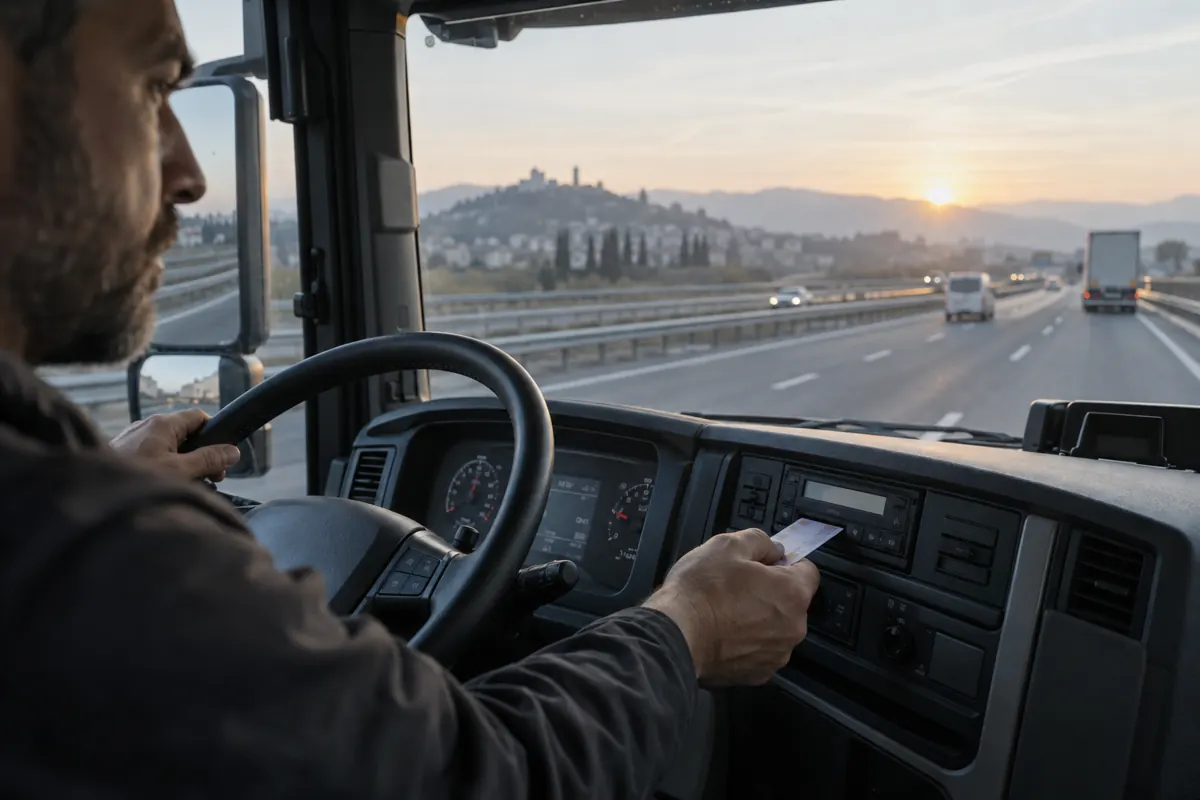
Tachograph files from trucks and vans reach the office without anyone going to the vehicle, and each driver's driving and rest hours are checked every day.
Starting tracker FMC650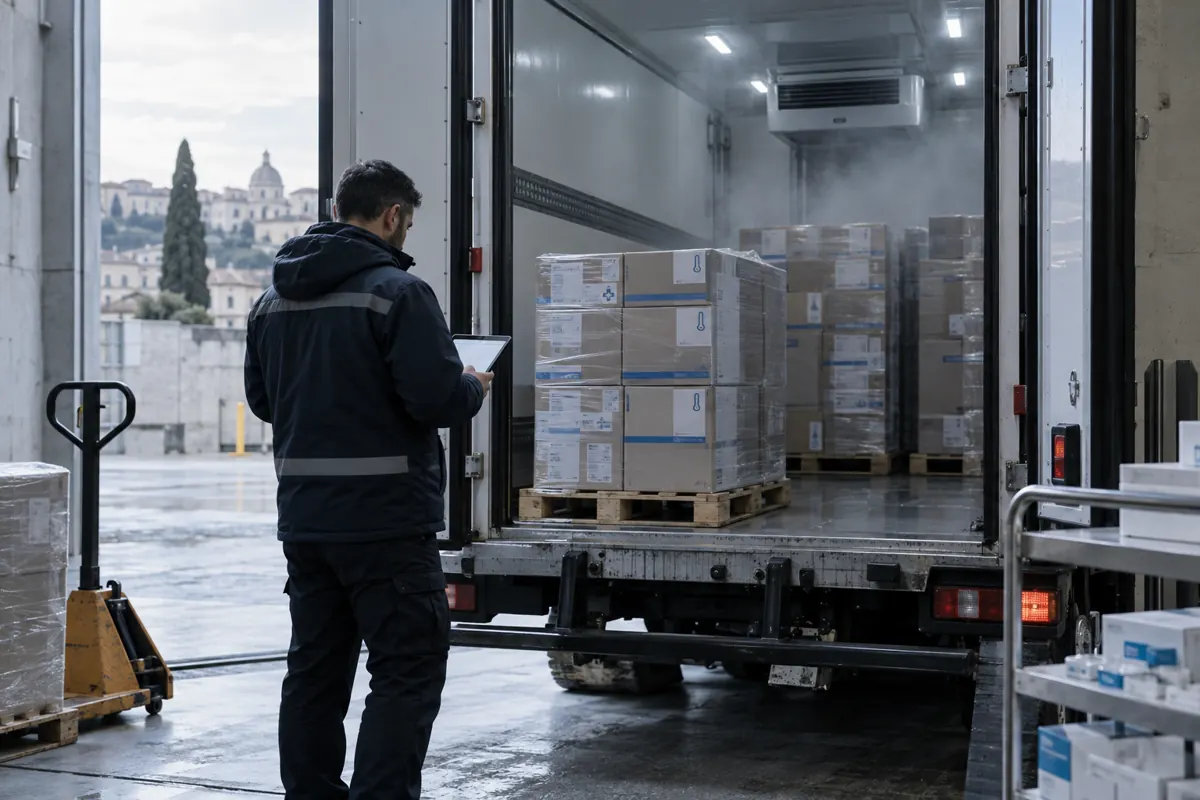
Logistics
The temperature of medicines and food is recorded throughout the journey. If it goes out of range an alert is sent, and at the end of the delivery there is a log to hand to the customer.
Starting tracker EYE Sensor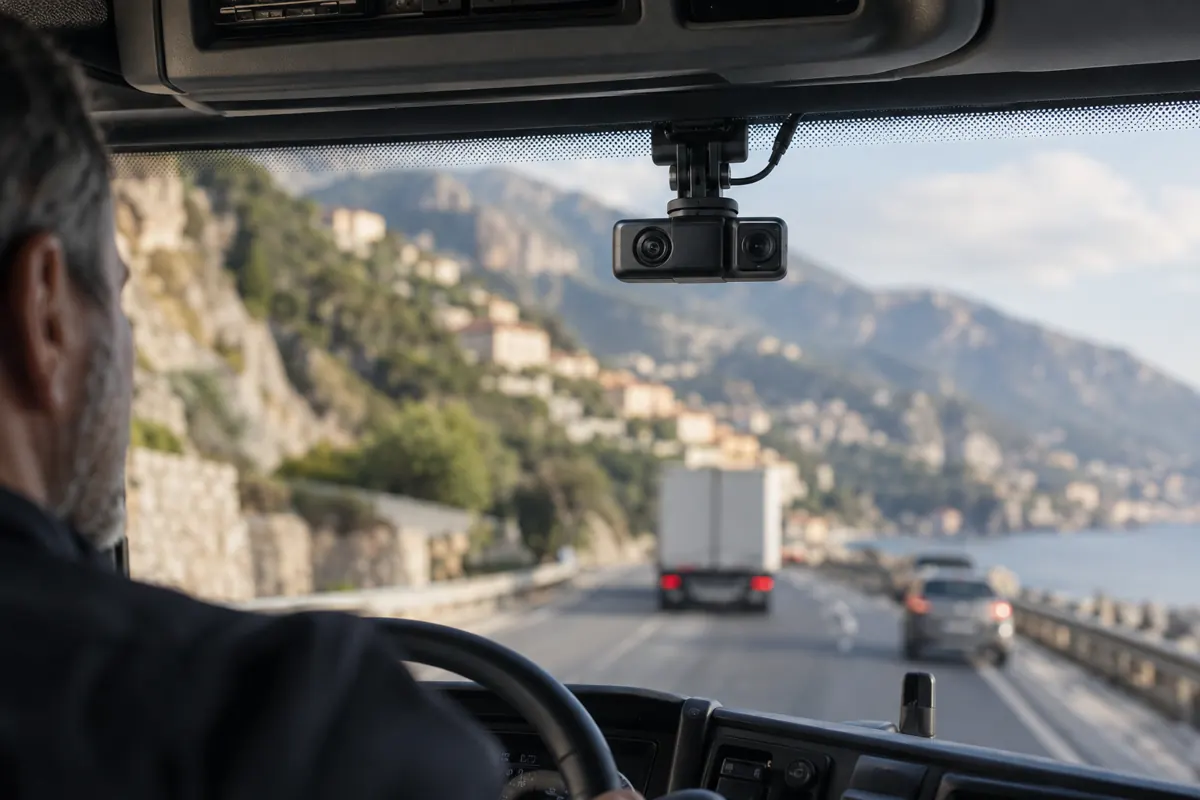
Logistics
Footage of the seconds before and after an accident is sent to the server and kept as evidence.
Starting tracker FMC650 with DualCam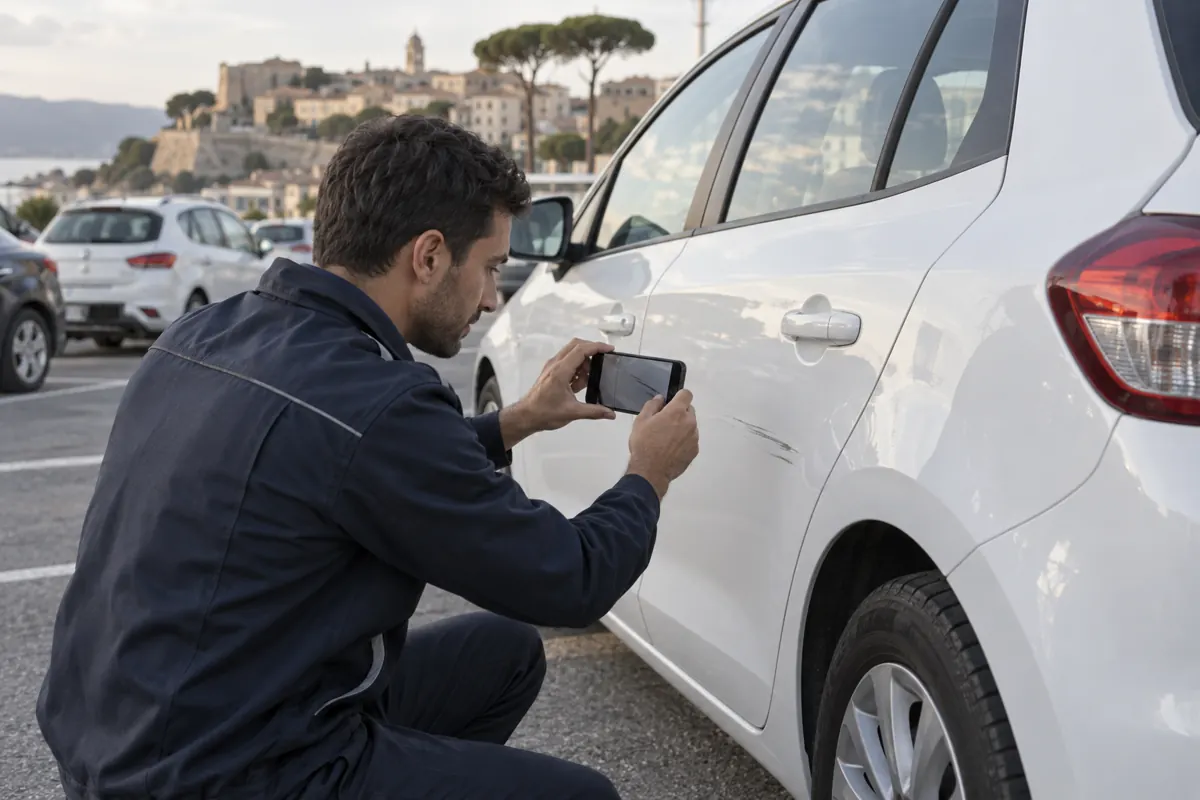
Rental and fleets
When a car is hit, the tracker records time, position and strength of the impact. On return you know whether the damage happened during that rental.
Starting tracker FMC003
Rental and fleets
Tank level at the start and end of each rental, fuel use per vehicle, and refuelling that does not match the distance driven.
Starting tracker FMC150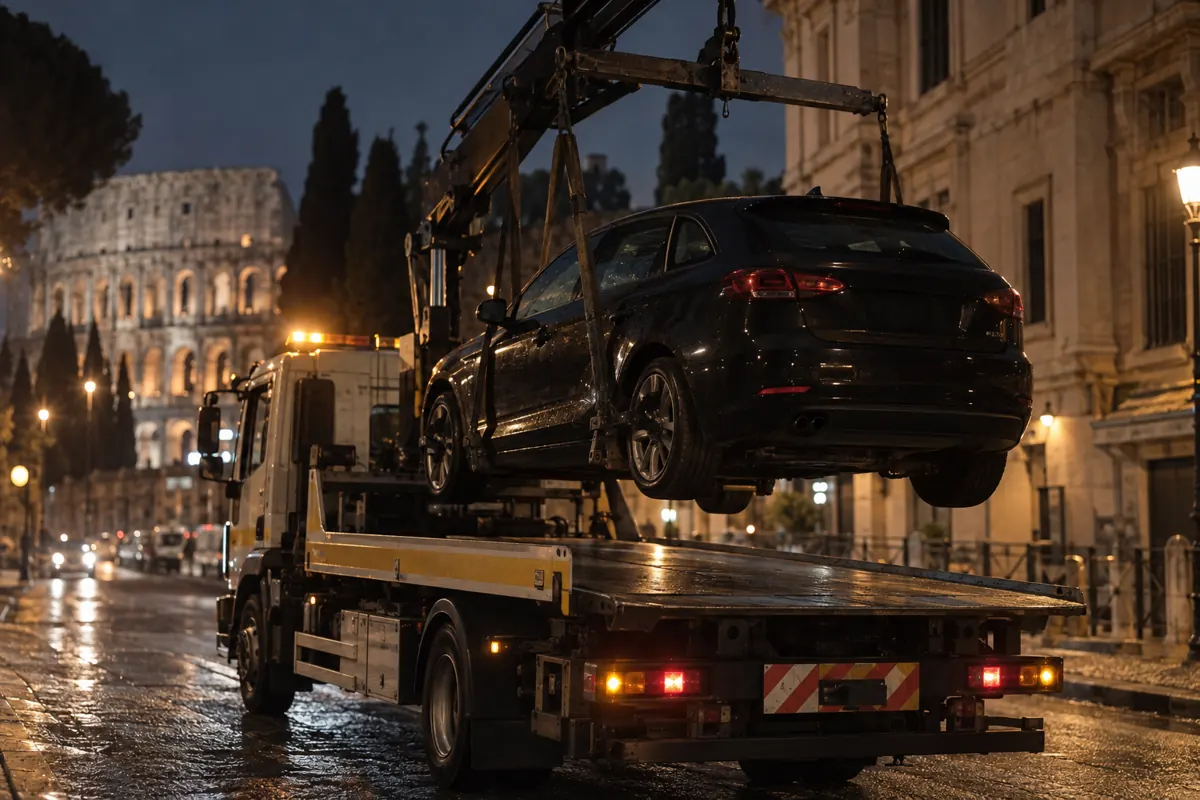
Rental and fleets
An alert is sent if the vehicle is lifted or towed, or if someone jams the signal. The engine can be blocked only when the vehicle is stationary.
Starting tracker FMC003
Rental and fleets
Each driver gets a score based on braking, acceleration and speeding. An electronic key records who is driving, and the vehicle can refuse to start for unauthorised drivers.
Starting tracker FMC130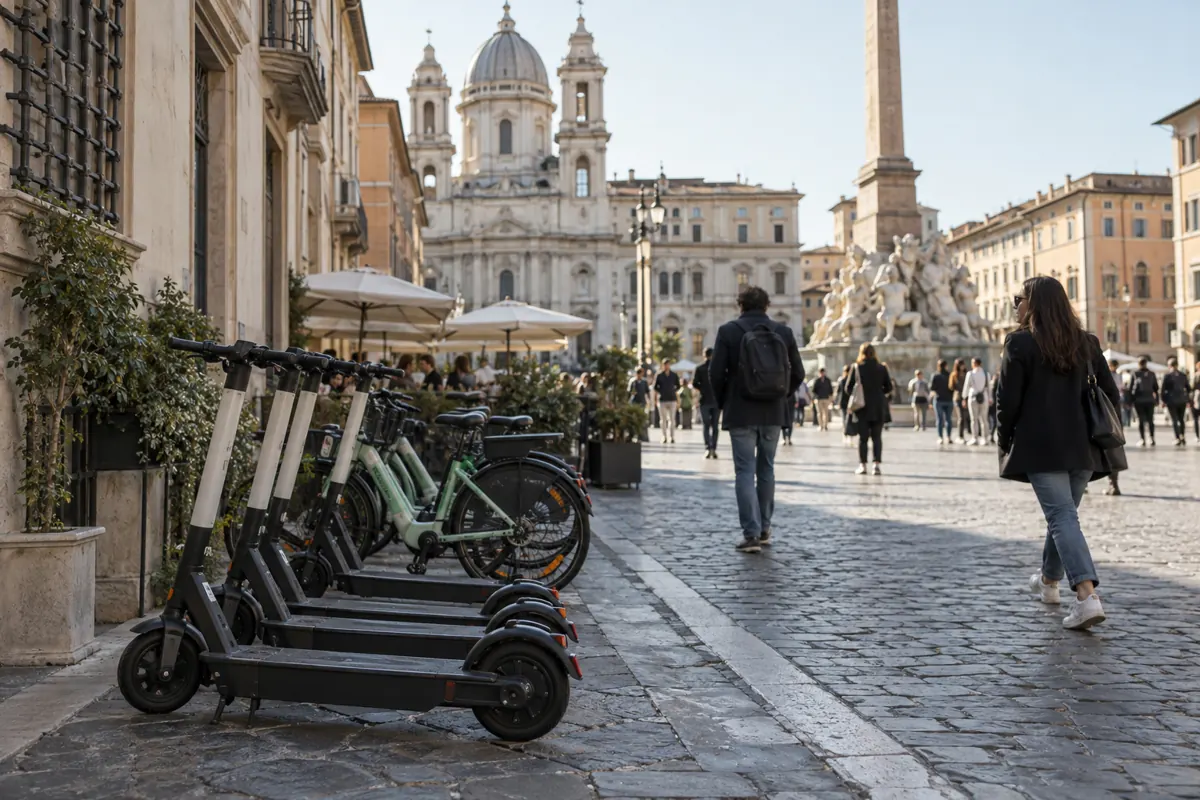
Electric mobility
For each vehicle you see position, battery charge and falls, with an alert if it is moved while nobody is using it.
Starting tracker FTC305
People
People working alone at a plant or in a warehouse have an SOS button. If they fall or stay still for too long, an alarm goes to their colleagues.
Starting tracker GH5200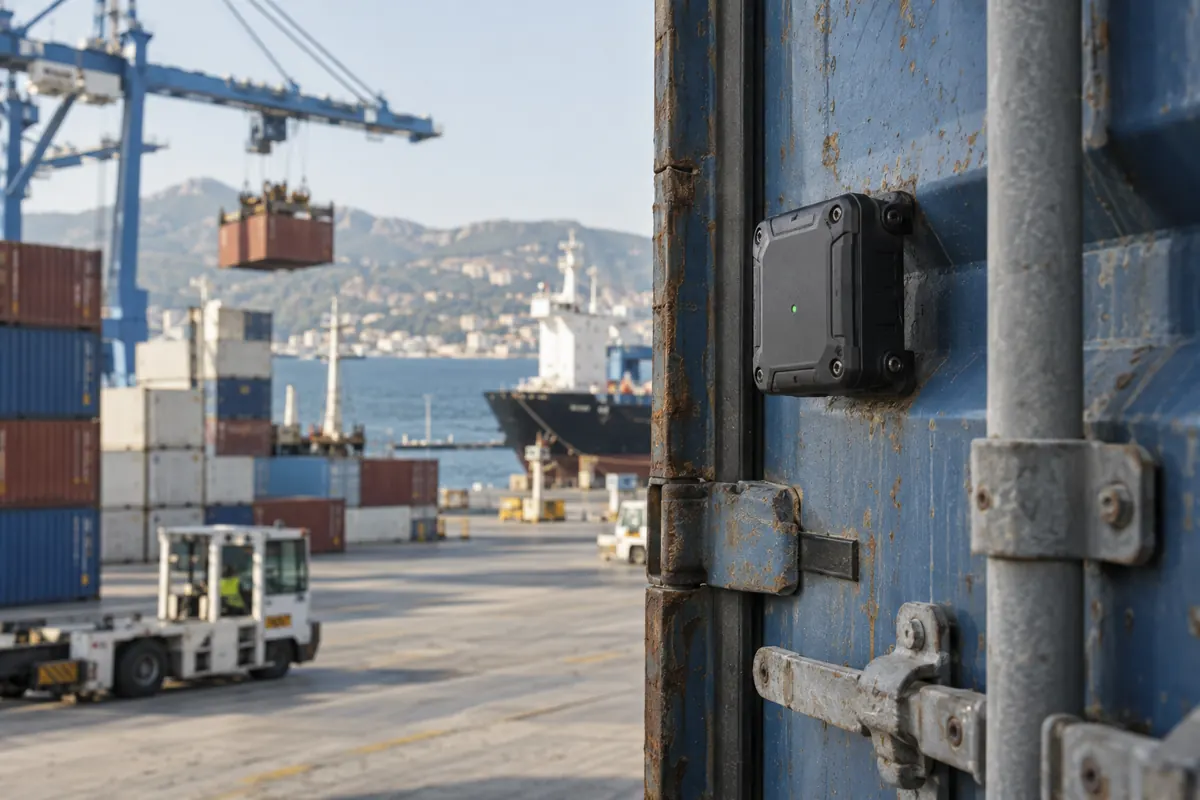
Assets and equipment
A long-life battery tracker reports where each container is and sends an alert when it leaves or arrives.
Starting tracker ATC774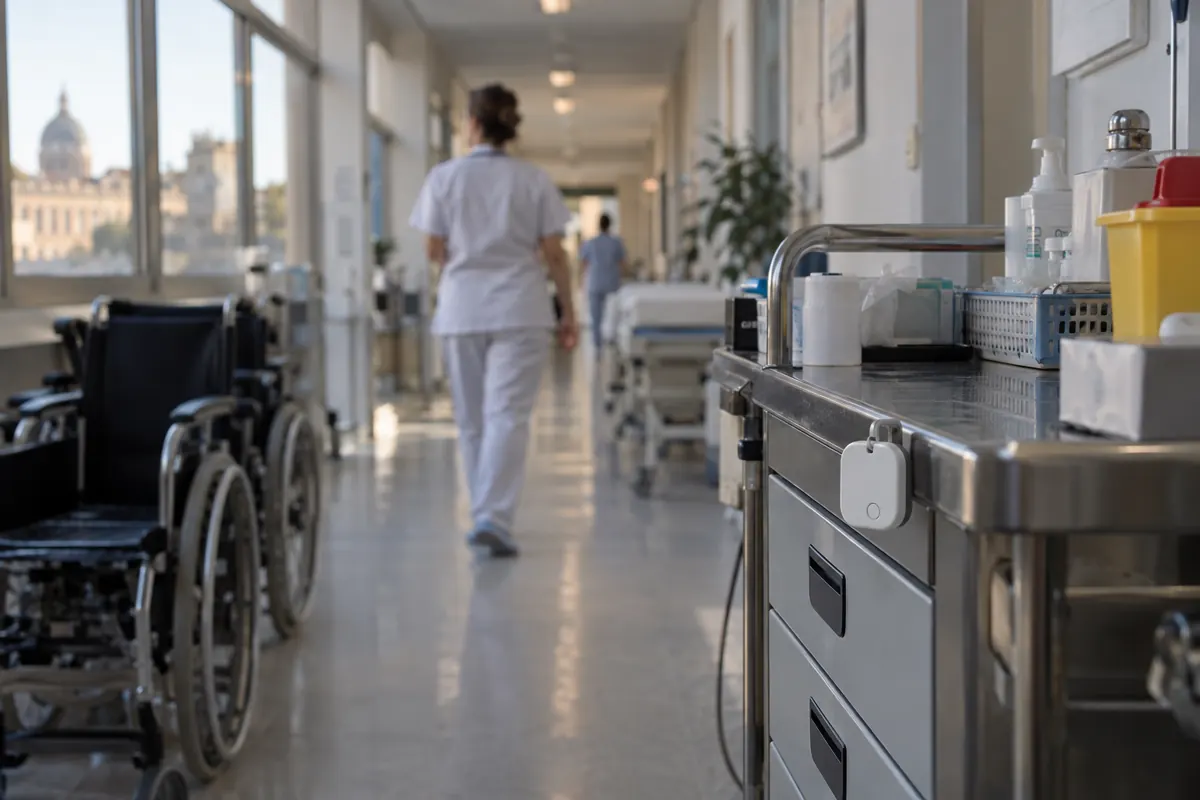
Assets and equipment
Small Bluetooth tags on trolleys, stretchers and devices, read by fixed receivers on site, show which department each item is in.
Starting tracker EYE Beacon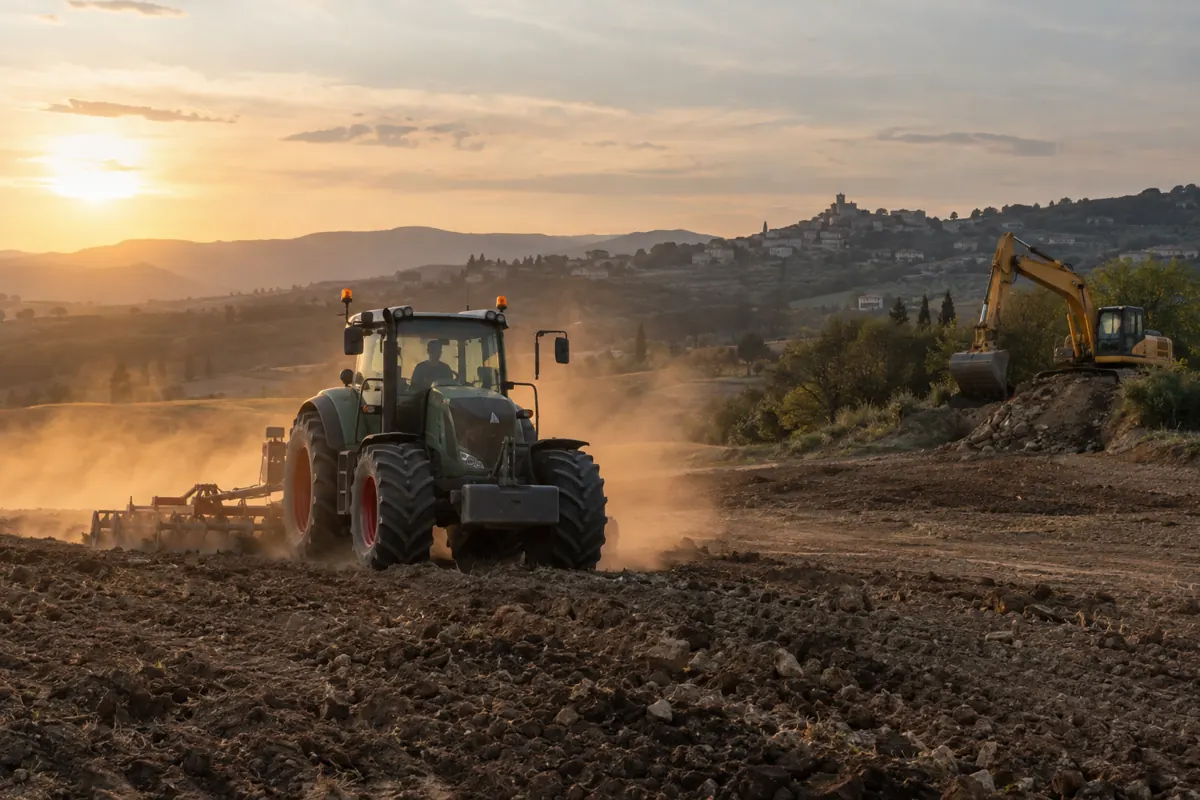
Agriculture and construction
For tractors and excavators you record engine hours, fuel and worked areas, with reminders for maintenance.
Starting tracker FMC230The examples are based on the use cases published by Teltonika and must be adapted to each project. The photos are illustrative and were computer-generated. See the recommended models for each use.
Tell us what you need: we will tell you which tracker to use and how we would build the solution.
Let's talkDevices
For each type of use we show the model to start from and the alternatives. These are starting points taken from the Teltonika catalogue: before we use a model, we certify it with our seven checks.
To locate vehicles and see how they are used, without work on the electrical system.
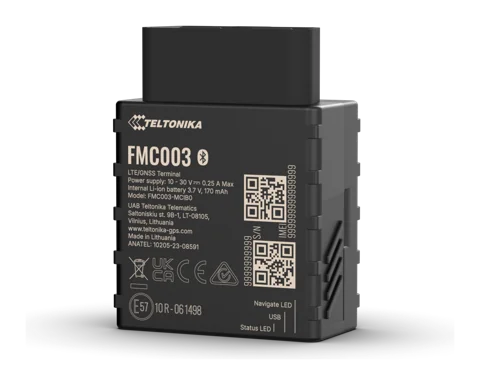 RecommendedFMC003
Plugs into the vehicle's OBD port and needs no wiring.
Alternatives
For fleets that want fuel use, fuel level and mileage read from the vehicle's electronics rather than estimated from GPS.
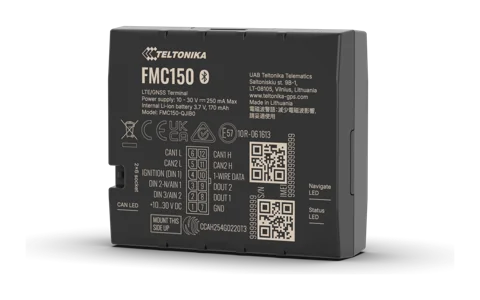 RecommendedFMC150
Reads fuel level and consumption, mileage, speed and engine RPM from the CAN bus.
Alternatives
For truck fleets with FMS data, tachograph and trailers.
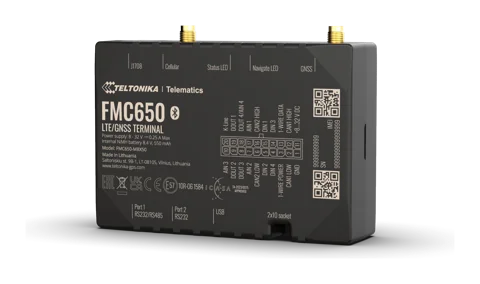 RecommendedFMC650
Reads FMS data, downloads tachograph files remotely, handles two SIM cards and connects to cameras and sensors.
Alternatives
For the safety of people who work alone: technicians, warehouse staff, security guards.
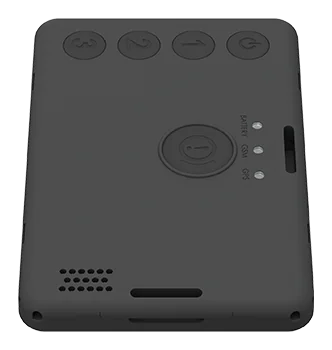 RecommendedGH5200
Personal tracker with SOS button, fall and no-movement detection, and voice calls to five numbers. It uses the 2G network, so coverage in the work area must be checked.
Alternatives
For e-bikes, scooters and kick scooters, including shared fleets.
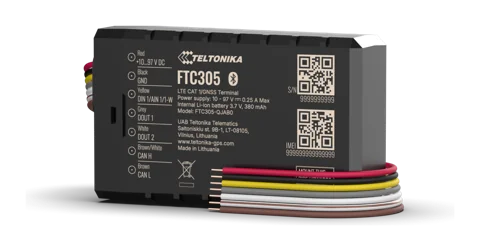 RecommendedFTC305
Power supply from 10 to 97 V, configurable CAN, anti-theft and fall detection. It is the model we are currently working on.
Alternatives
For vehicles exposed to rain, dust and vibration.
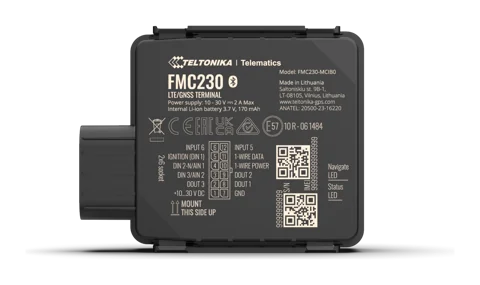 RecommendedFMC230
IP67 protection rating: it withstands temporary immersion.
Alternatives
For tractors, earth-moving machines and rental equipment.
RecommendedFMC230Recommended by Teltonika for high-consumption construction and agricultural machinery, with IP67 protection.
Alternatives
For containers, trailers, tools and goods without their own power supply.
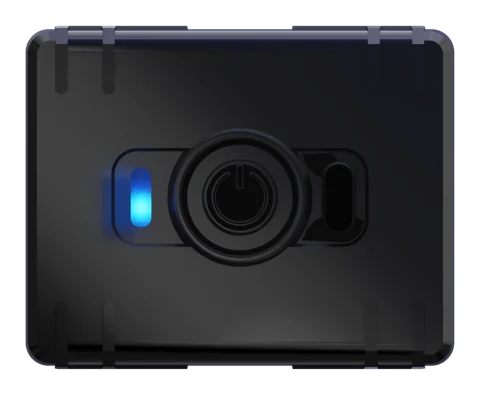 RecommendedATC700
Small rechargeable tracker on the LTE Cat 1 network.
Alternatives
To monitor temperature, humidity and door opening during transport.
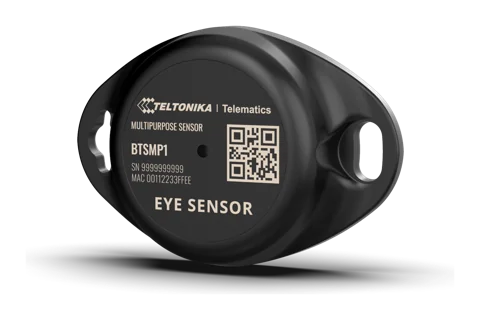 RecommendedEYE Sensor
Measures temperature, humidity and movement and detects door opening. The vehicle's tracker reads it over Bluetooth.
Alternatives
To get footage of an accident and monitor driver attention.
RecommendedFMC650 with DualCam or DashCamCameras connect to the tracker; driver monitoring (DSM) and driver assistance alerts (ADAS) are also available.
Alternatives
Specifications must be confirmed on the model's datasheet and on the installed firmware version. The first model currently in certification is the FTC305. Product photos: Teltonika. We supply the devices through an authorised Teltonika reseller. How we certify a model.
404